Proverbs 31 Marketplace is now open and ready for new members!

Come list your products, services, social media or website links with us, write or blog and get published on our platform already today!

Special LAUNCH OFFER: Lifetime FREE membership and access to the seller/member dashboard for the first 100 members + 40% off for additional featuring opportunities for the first 100 members!

Check out what the Proverbs 31 Marketplace Platform offers and what our dashboard for members & sellers looks like. ๐Ÿ’›

Adding your product or service listings, social media links, and blog posts; checking and changing your membership subscription plan - it's all there!

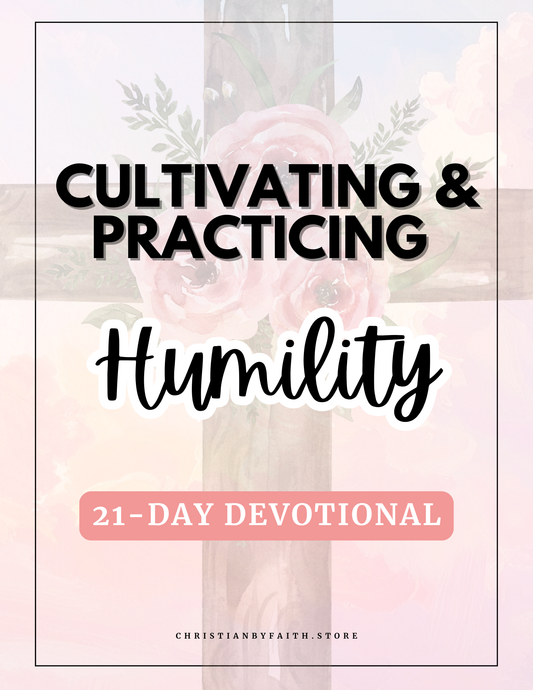
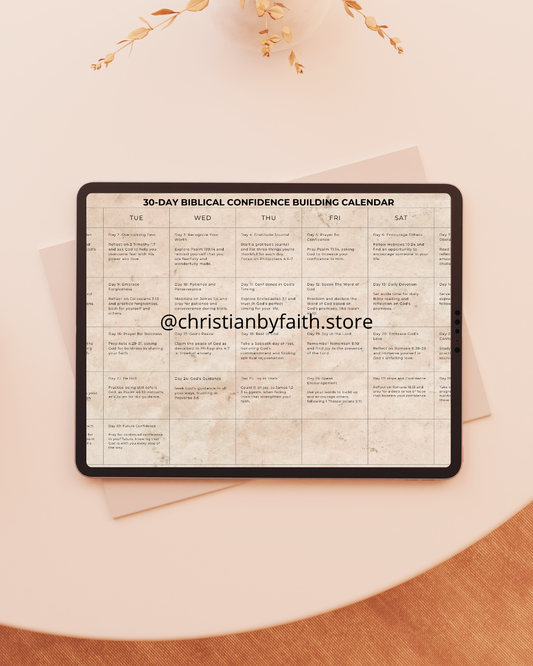
It's a one-stop platform that is curated specifically for faith-led women entrepreneurs, authors, artists and other creatives to offer alternatives to secular platforms.

Here you can:

1. โœจ List all your products and services (from bookkeeping to the beauty industry) with us independently through your member dashboard. โœจ (Listing works based on redirecting to your own links, wherever they are - from your website to Amazon to Etsy..)

2. โœจ Blog and write posts and articles independently (through your member dashboard), and get them published on our website automatically.โœจ

3. โœจ Purchase and order custom, personalized, feature articles or social media posts about yourself, your business or brand (- written and done by us) here. โœจ

Check out our FREE launch offer for the first 100 members HERE.

Sign up for our member dashboard directly from here.

This is what our member dashboard looks like:

Take a look and get an overview of our dashboard that all of our members can enjoy. There you can add your product and service listings, writings, blog posts and articles. Once added there, they will get published here, on the general website under "Collections" and "Blog posts". Navigation and usage is designed to be quick, easy and user-friendly so that you could get started as fast as possible.
Get listed within few minutes and start receiving potential additional views and clients already TODAY!

Check the additional details and explanation for the dashboard: โฌ‡๏ธ

Click here to see a full transcription and caption to accompany the video. This will explain the dashboard features in more detail.

Hi!

Welcome to Proverbs 31 Marketplace Platform. This video will give you an overview of our seller and member dashboard where you can look and change your seller profile, add your product and service listings, and your blog posts or writings if you would like to.

Let's start with the left side of the menu. Here we can add our listings under the section called โ€œMy product and service listings''. Just go to โ€œAdding and managing my listingsโ€ and you will see a pink button called โ€œAdd a listingโ€ on the right top corner. You will then see a place where to add all your listing details. You can add all kinds of products, services, and social media post and channel links here. The default listing type is Directory Listing which means that even though all the listings at first glance look like regular direct listings that you could by at our store, you actually have to redirect all your listings to outside links. You can add a listing name, description, different product or service variants here. This is also the place where you add your prices and upload pictures that showcase your product, service, or social media channels. You also have a voluntary option to add your listings straight to one of the visible collections to better showcase your listing and to drive even more traffic to your listing. This process is individual and private, so Proverbs 31 Marketplace will not do it instead of you or add your listings to collections independently without your participation. And finally, but not least, you can see the Directory Listing link placement here. This is the place where you will add your outside link to direct your listing there. It can be your own website, Amazon, Etsy, Ebay, Spotify, Youtube, social media or somewhere else. No limitations. One link for one listing. You can also make your listings show two different prices when going to the โ€œDiscountsโ€ section in the menu. Here you can add your discounted prices if you'd like to. This is voluntary.

Next we got to the โ€œMy profileโ€ section where you can change your seller and shop name, add your location, short or long store description and etc. You can also add your seller picture that would appear in the public Member's directory page and also your shop or brand logo.
Next, let's go to the โ€œBlogโ€ section. Here you can add your blog posts. Add their title, and the text. You can also add keywords or tags to describe your post, and you can also promote your listings by adding them into the post. To do that, use โ€œAdd Blog Productsโ€ and start writing the name of your listing. It should pop up for you automatically.

And last, but not least โ€“ we have the โ€œSubscription Managementโ€ section where you can get automatically redirected to the marketplace and to your customer account that was automatically created when you first bought your subscription. There you can downgrade or upgrade your membership subscription plan or discontinue it before the next billing cycle.

Thank you for watching this membership dashboard overview, we are blessed to have you here!

Come and join us! ๐Ÿ’›

Learn more about the membership options OR continue browsing all product listings.

Follow us also on Instagram: